Your Document Doesn't Exist in a Vacuum. Now Your Refine Report Doesn't, Either.
With Context, attach referee reports, response letters, data outputs, and prior analyses to any Refine review — and have your document checked against everything it depends on, up to 100,000 words.
A technical document is rarely judged on its own. A revised paper is evaluated against referee reports. An expert report is judged against the data, depositions, and prior analyses underneath it. Until now, Refine reviewed one document at a time — deeply, but on its own.
That changes today. With our Context feature, you can attach supporting documents to any review: referee reports, response letters, appendices, codebooks, specifications, data outputs, prior reports, and more. A short note on each file tells Refine what it is and how to use it. Refine then reviews your main document against that context.
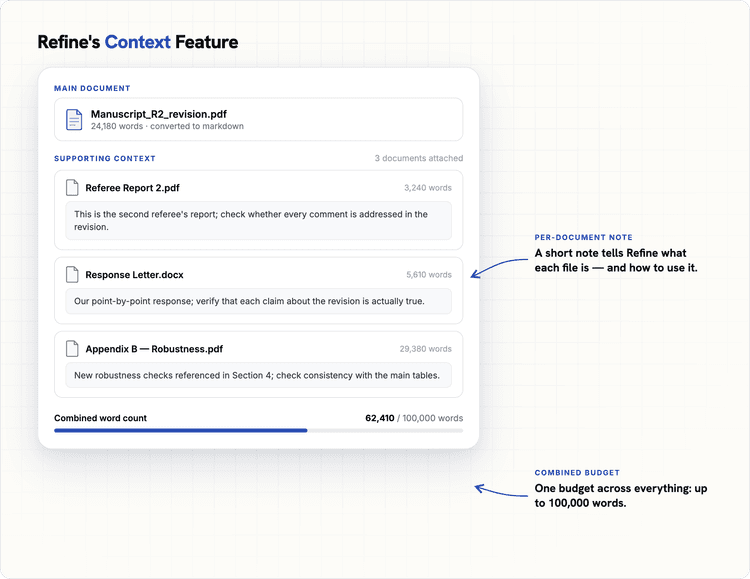
Attach your main document plus supporting files, each with a short note telling Refine what it is and how to use it. Everything shares one budget — up to 100,000 combined words.
The question shifts from "is this document internally coherent?" to the one that actually decides outcomes: is it consistent with everything it depends on?
An academic use case: Did you actually answer the referees?
Every author knows the sinking feeling: you send back a revision claiming "we have addressed the referee's concern in Section 4," and the referee disagrees — often for an objective reason that escaped your notice.
With Context, you attach the referee reports and your response letter alongside the revision. Refine checks the three-way consistency: does the revision do what the letter says it does, and does that actually meet the referee's objection? Because Refine is a review system rather than a single prompt — it generates candidate concerns, then tries to disprove them before showing you anything — you get a short list of genuine gaps.
A litigation consulting use case: Expert reports that survive cross-examination
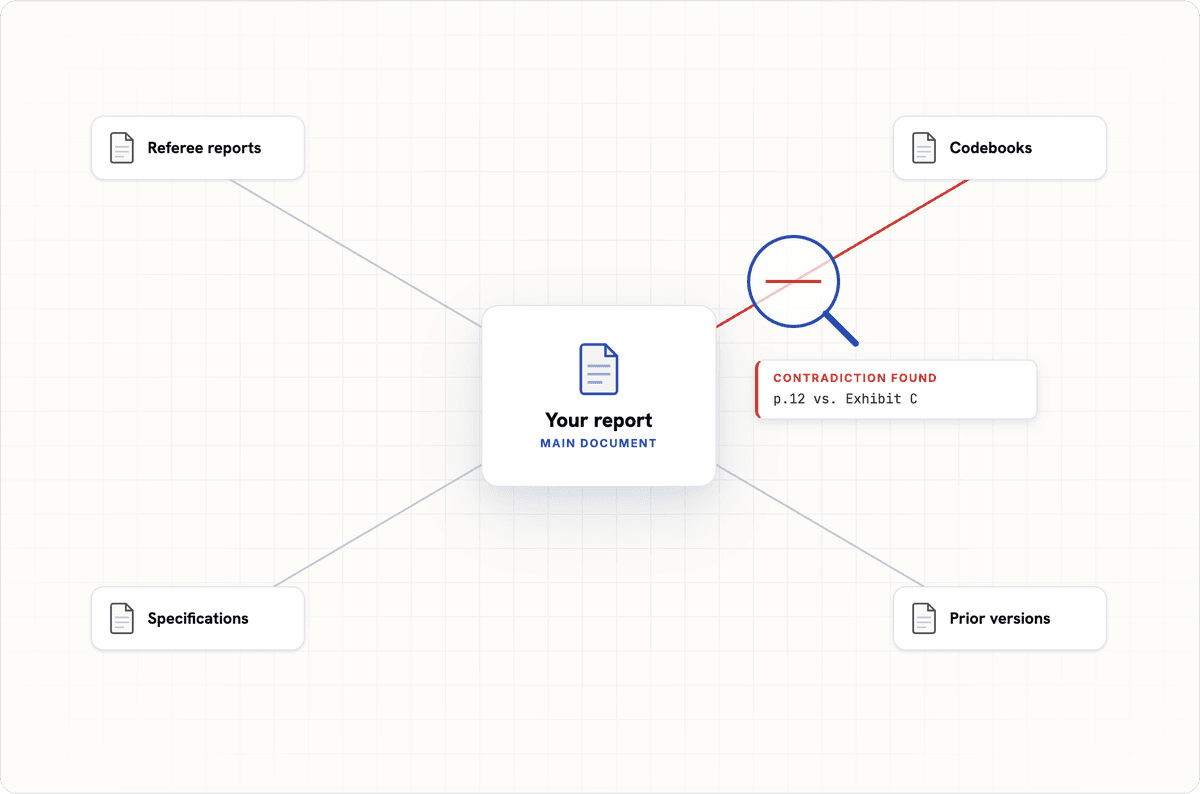
An expert report doesn't fail in the executive summary. It fails when opposing counsel finds the claim on page 12 that contradicts the deposition transcript, or the damages figure that doesn't match the underlying data output.
With Context, you attach the source material — data outputs, codebooks, prior reports, specifications — and Refine stress-tests the report against it, sustaining attention across the full record the way an adversarial reader will. The comments anchor to exact passages, so your team can inspect, resolve, or dismiss each one. Stress-test the report before the other side does.
A financial research use case: Analysis that uses your most up-to-date knowledge
Buy-side analysts need to evaluate research on products they are considering. The fatal flaw they need to find may not be an inconsistency internal to the short research note in front of them. The key risk may only show up when the note is understood in the context of other knowledge the analyst holds — a firm's own rich internal analysis, with credible numbers (often not public) on the state of a company or industry.
That context is critical to correctly evaluating any given piece of research, and to avoiding bad decisions. Surfacing exactly this kind of cross-document risk is what Refine can quickly provide with the Context feature.
Try it now
The Context feature is available across all Refine subscription tiers. Upload your next revision or report — and bring the record with it.
About the author

Co-founder
Co-founder of Refine and professor of economics at Northwestern University.
More posts
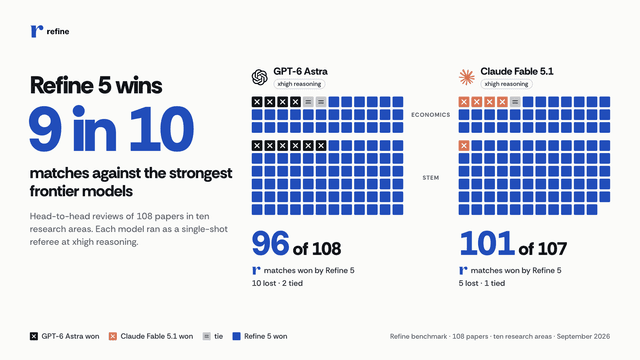
Refine 5 beats GPT-6 Astra and Claude Fable 5.1 at paper review
On 108 papers in ten fields, from macroeconomics to genomics and statistical physics, Refine 5 won 197 of 215 matches.

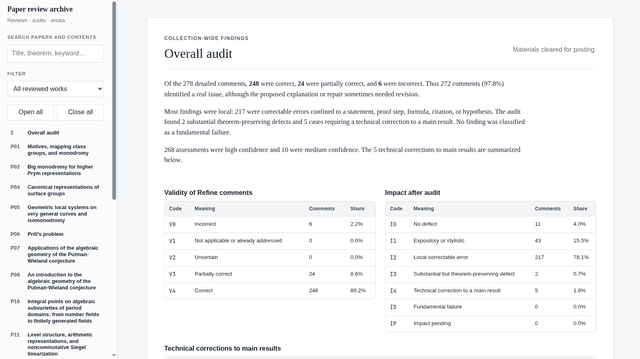
A Retrospective Math Benchmark
Mathematician Daniel Litt ran 20 of his papers through Refine. Of the 278 comments it generated, 97.8% pointed to a real issue that coauthors, referees, and editors had missed.
Refine partners with the American Economic Association and the Econometric Society
Two leading publishers in economics now use Refine's AI-assisted technical verification as part of their publication processes.